19/10/2026 14:22
Room Page or Map? A Telegram Link-Preview Workflow for Cambodian Guesthouses
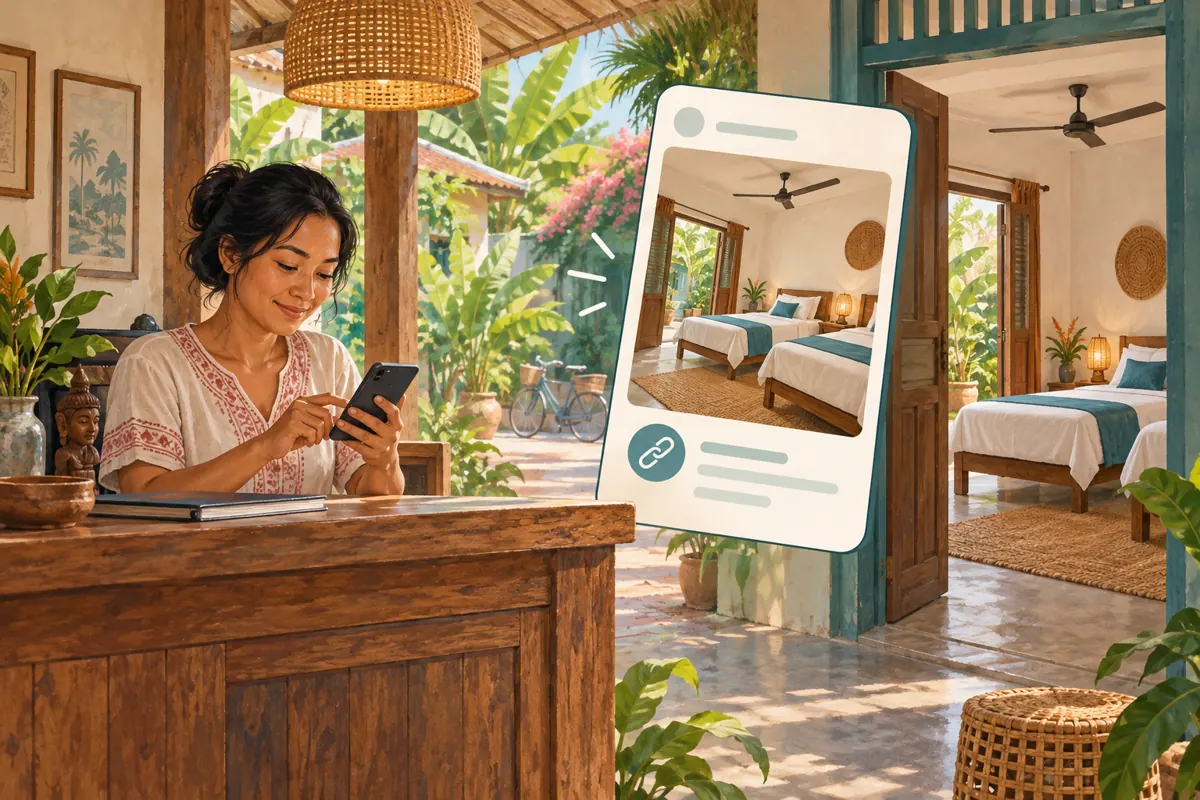
A guesthouse promotion can become confusing before anyone opens its link. The message describes a twin room, but the preview shows a map, a generic homepage or a different room. For a Cambodian business receiving enquiries through Telegram, that mismatch creates avoidable questions. The useful task is to make the preview help a visitor understand where the link leads and what to do there. This workflow follows a hypothetical Kampot guesthouse preparing a room-enquiry post. It covers preview selection, mobile testing and promotion decisions, including why purchasing post views cannot establish that travellers want to book.
1. Define the question the preview should answer
Start with a concrete visitor question: “Where can I see this room and ask whether it is available for my dates?” That gives the post a clear purpose. A room-information page can answer it; a map usually answers a later question about arrival. Write the intended action in your working notes before choosing an image or adding several links.
In our hypothetical example, the guesthouse wants enquiries about its courtyard twin room. The post should identify that room, locate the property in Kampot and explain that availability needs confirmation. It should not imply that opening the page reserves accommodation. Decide who will answer incoming enquiries and what details they need: arrival date, departure date and guest count. If that process is unclear, a more attractive preview will simply send people into an unfinished conversation.
2. Choose a destination that supports that question
Open the proposed destination before drafting the Telegram message. Check whether the page actually shows the advertised room, its sleeping arrangement and a working enquiry method. A homepage containing several properties or room types asks visitors to repeat the search you have already done. Prefer the most specific public page that remains useful without a staff login.
For a Cambodian audience, review practical details that may affect the decision: parking, stairs, check-in arrangements and the language available for enquiries. Include only information the guesthouse can confirm. If prices appear, identify the currency and the conditions attached to the quoted amount. Avoid putting a temporary offer into an evergreen preview unless someone owns the task of keeping it accurate. The preview and destination should make the same promise even when readers encounter the post later.
3. Select the link that deserves the preview
Telegram supports previews containing a page title, description and media. Its documented controls let senders choose which link receives the preview when a message contains several links, adjust media size and place the preview above or below the message. Readers can open the destination by tapping the preview area. These capabilities are described in Telegram’s official announcement, Replies 2.0, Adjustable Link Previews, Name Colors and More.
Prepare the complete message in a private staff test conversation. Add the room-page link and, only if useful, the map link. Open the available preview controls in your app and select the room page. Check the resulting card instead of assuming the intended link was selected. Menu wording can vary, so use the visible controls as your guide. If the preview options are unclear, simplify the draft to one destination while you investigate.
4. Choose a layout that keeps the condition visible
A large room picture may help someone understand the space, but it should not push an essential qualification out of easy view. Compare the draft with a smaller preview and with the message text leading. Your test is whether a reader can quickly identify the room, the location and the next step. There is no universally best layout for every guesthouse post.
For the hypothetical twin-room promotion, keep the availability condition near the invitation to enquire. Use a direct instruction such as: “Open the room details, then send your arrival and departure dates for an availability check.” Avoid placing the qualification after a long list of amenities. Have a colleague inspect the draft on a phone at normal reading size. Ask what they expect to happen when they tap, rather than asking whether the design looks nice.
5. Resolve a misleading picture before promotion
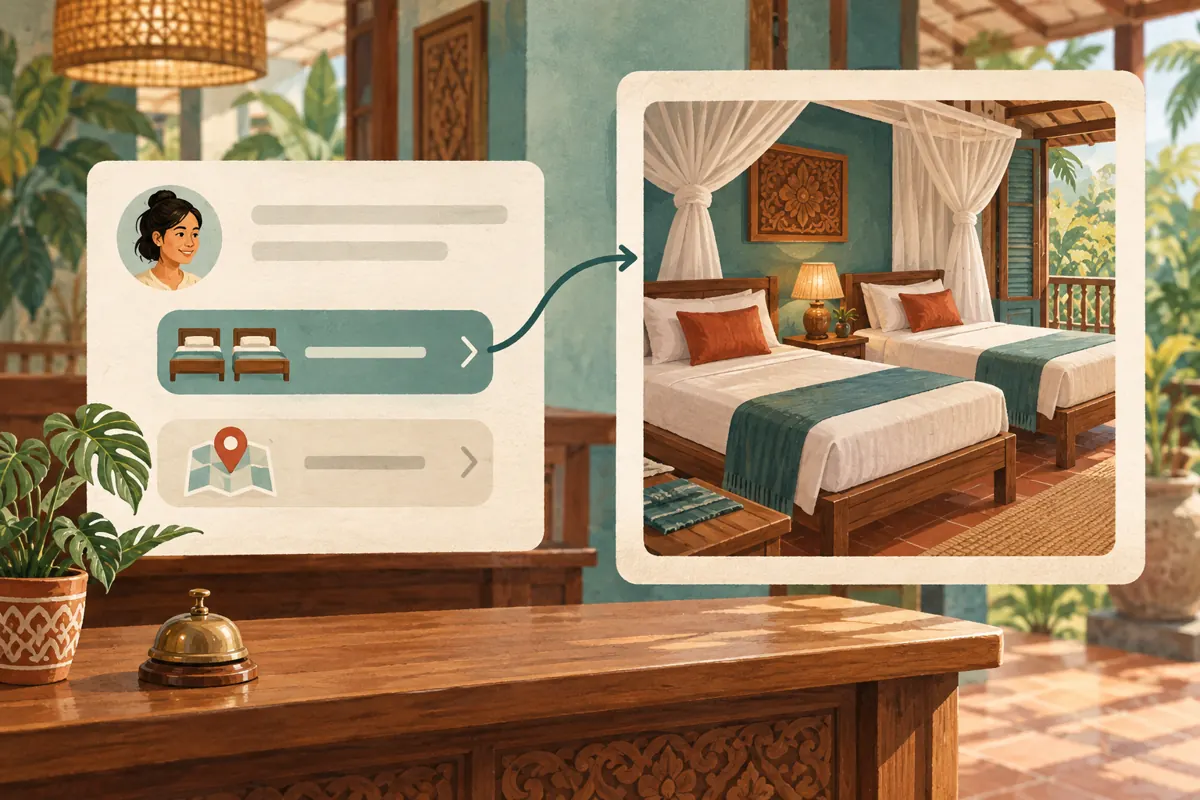
Compare the preview picture with the room named in the message. A photograph of the property’s largest suite is unsuitable for a twin-room enquiry post, even if it looks more appealing. Also inspect the title for an old offer, another branch or wording that suggests immediate booking when the destination only accepts enquiries. Treat each mismatch as a specific correction task.
If you control the website, send its editor the exact page address and describe what the preview currently shows and what would be accurate. If a booking partner controls the page, ask about correction options or choose another truthful destination. Do not promise that a website edit will refresh every existing preview immediately. Retest the result. When an accurate preview cannot be produced, consider a plainly labelled link without a preview, using the available app controls, and make the message self-contained.
6. Test the whole enquiry route
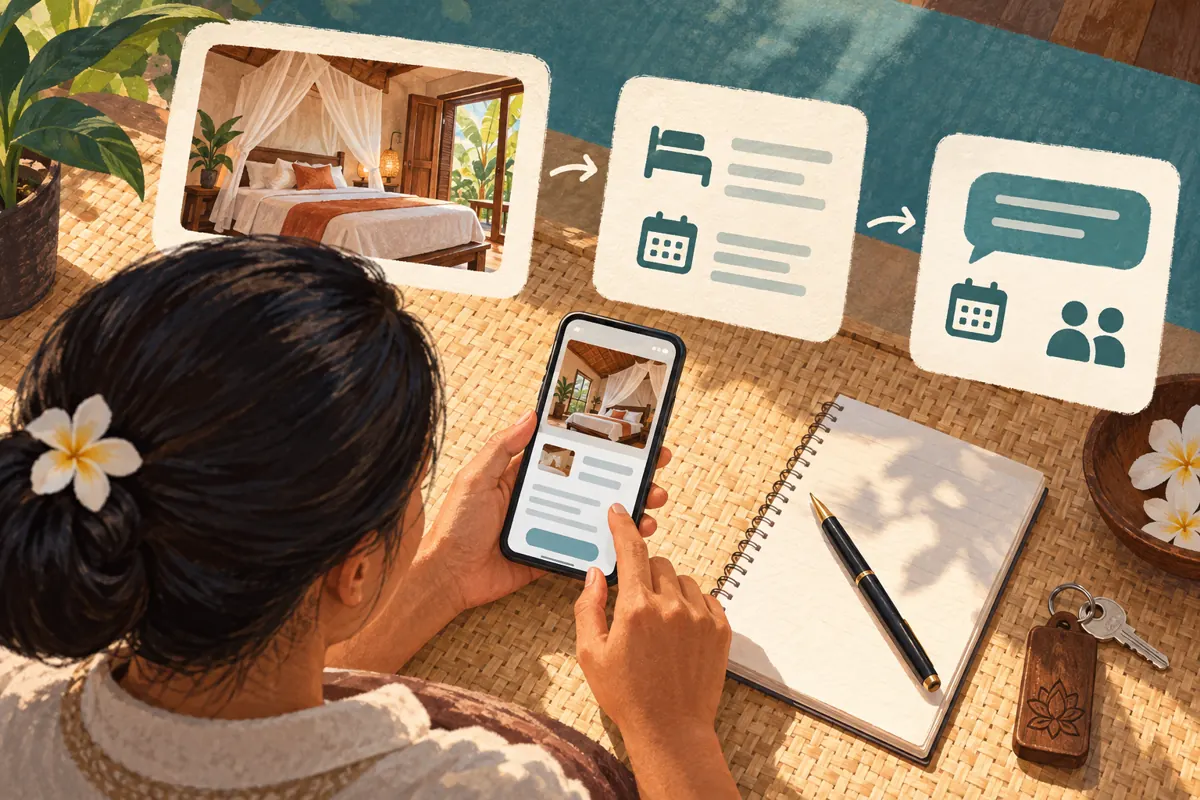
Ask a colleague to open the test message as a visitor would. They should tap the preview, locate the room details and find the enquiry route without verbal guidance. Check the route on mobile data as well as the connection used at reception. Record the point of confusion precisely: “The contact button opens the wrong conversation” is more actionable than “The post does not work.”
Use a clearly labelled internal test enquiry if you need to check message delivery. Do not create a real reservation or send a deposit to test a promotional link. Verify that the receiving staff member can identify the room and ask for the missing dates. Also test the written URL separately from the preview. Both should take visitors where the message says they will go. A successful test means the route works, not that the promotion will generate demand.
7. Publish a post that still makes sense without its card
The body should explain the offer even if a reader overlooks the preview. A hypothetical draft might say: “Planning a stay in Kampot? See our courtyard twin-room details here. Send your arrival date, departure date and guest count to ask about availability. A room is confirmed only after our team completes the booking process.” Replace every detail with the property’s actual arrangements before use.
Keep directions secondary unless arrival information is the purpose of the post. Label separate destinations plainly, such as room details and location, so readers need not guess from the addresses. Write for the language your intended guests understand, and have any translation checked by someone able to assess the meaning. After publishing through your normal authorised process, inspect the actual post once more. Save its link and the approved wording so later reviews refer to the same version.
8. Decide whether an SMM service addresses the problem
The supplied catalogue includes the exact service name “Telegram - Views ~ 1 POST ~ INSTANT”. Its title identifies a single-post views offering. The supplied description is empty, so it provides no supporting detail about delivery method, audience location, visitor intent or website clicks. Treat “INSTANT” as catalogue wording, not a verified delivery promise. The listing does not establish any official relationship with Telegram.
If your objective is room enquiries, first ask how a views purchase would answer that business question. Purchased engagement is not evidence of genuine interest, sales, ad delivery or Cambodian users. It also cannot repair a wrong preview or an unanswered enquiry route. Where the proposed service has no demonstrated connection to the objective, the sensible decision is to skip it. Any separate service evaluation should check current terms and applicable platform rules rather than treating catalogue availability as approval.
9. Separate post visibility from booking evidence
Telegram’s Channels FAQ explains that post-view totals are approximate and include views of forwarded copies. A view counter therefore should not be read as a count of distinct prospective guests. It does not, by itself, tell you whether someone opened the room page, asked about dates or made a reservation. Keep that limitation visible when discussing results with the property owner.
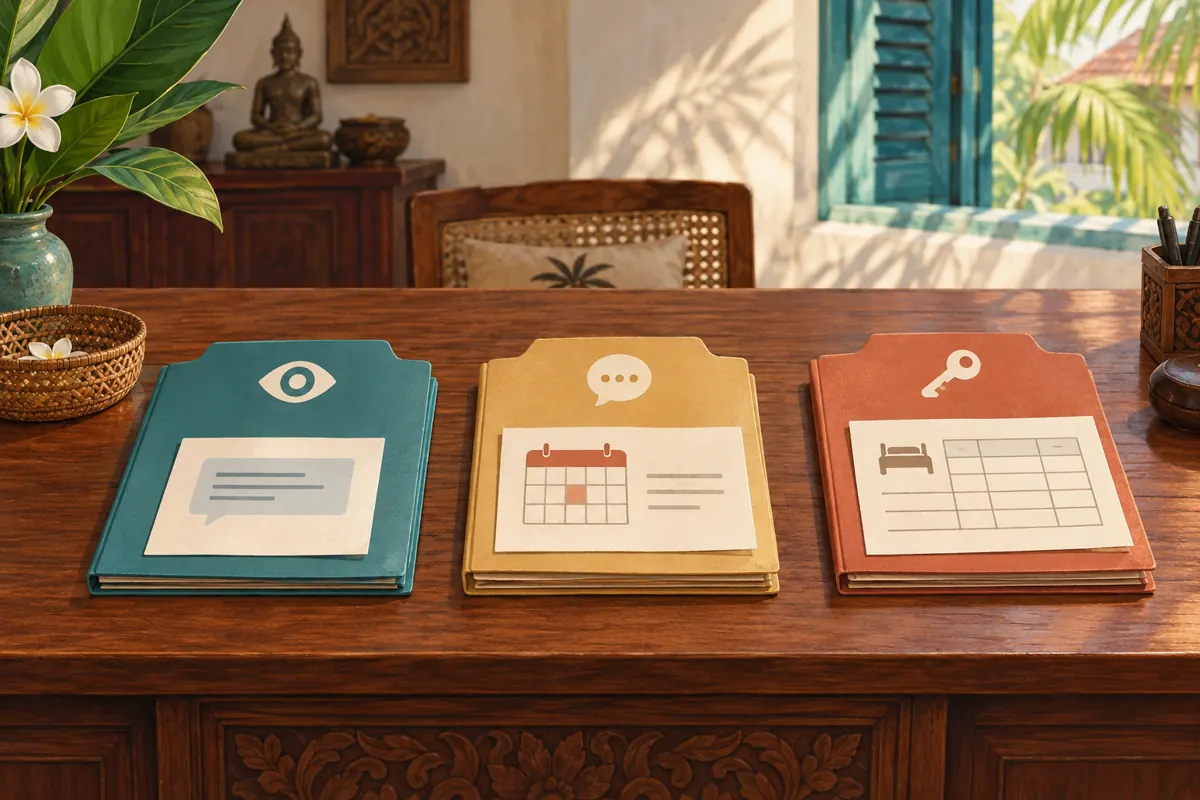
Maintain separate records for the post and any promotion activity, relevant enquiries, and confirmed bookings. For enquiries, note the room requested, whether dates were supplied and whether staff could answer. Record the source only when there is evidence, such as the guest identifying the post. Otherwise mark it unknown. If a views service was used, annotate the reporting period. Do not divide bookings by that counter and present the result as a reliable conversion rate.
10. Improve the next post using the confusion you observed
Review the questions that remain after publication. Repeated requests for the bed arrangement suggest that the picture or room description needs attention. Questions about where to click suggest weak destination labels. Enquiries that reach the correct staff member but wait unanswered point to a reception workflow issue. These are different problems and need different fixes; adding views does not diagnose any of them.
Change one meaningful element in the next comparable post, such as the selected preview destination or the opening instruction. Keep a note of the reason. Do not claim that a handful of enquiries proves one layout performs better, especially when travel dates, room availability or prices changed too. Common mistakes include repeatedly reposting to chase a nicer card, advertising an unavailable room, and counting staff tests as customer enquiries. Resolve the observed problem, then review whether the revised route is easier to use.
Frequently asked questions
Should the map or the room page receive the preview?
Choose according to the post’s task. For someone deciding whether to enquire about a room, the room page is usually the more useful destination. For guests who already have a confirmed stay and need arrival directions, a map may be appropriate. Avoid asking one preview to handle both decisions.
What if the preview image stays wrong after the website is corrected?
Retest before promoting the link and give the website editor the exact address and observed result. Do not assume an edit has refreshed all copies. If the card remains misleading, use another accurate destination or a clearly labelled link without a preview where available. Keep the essential room information in the message.
Can Telegram post views tell us how many people visited the booking page?
No. The post counter and website visits describe different activities. Use a suitable website measurement method if one is already available and configured, and keep its limitations in mind. For a small guesthouse, recording relevant enquiries and asking guests how they found the room can provide useful context without inventing click figures.
Does the listed views service target travellers in Cambodia?
The supplied service information does not establish Cambodian targeting or travel interest. Its description is empty. Do not infer either characteristic from the website’s audience or from the service name. Even a delivered view would not establish that someone intends to travel, has suitable dates or wants the advertised room.
Do we need a website before using this workflow?
You need a reliable destination for a website-preview workflow, but you do not need to build a website merely to publish room information. If your current process uses direct enquiries, write a complete, accurate post and identify the contact route clearly. Adopt a room-page preview when it makes the guest’s next step easier.
Explore the current service catalogue, create an account, or ask a specific question through support tickets.
- Telegram: Replies 2.0, Adjustable Link Previews, Name Colors and More
- Telegram Channels FAQ: What does the eye icon mean?
Prepared with AI assistance. Illustrations explain the workflow and do not represent customer results.