22/10/2026 15:19
Saved Sample or Ready to Sell? Telegram Saved Messages for Cambodian Bag-Hardware Shops
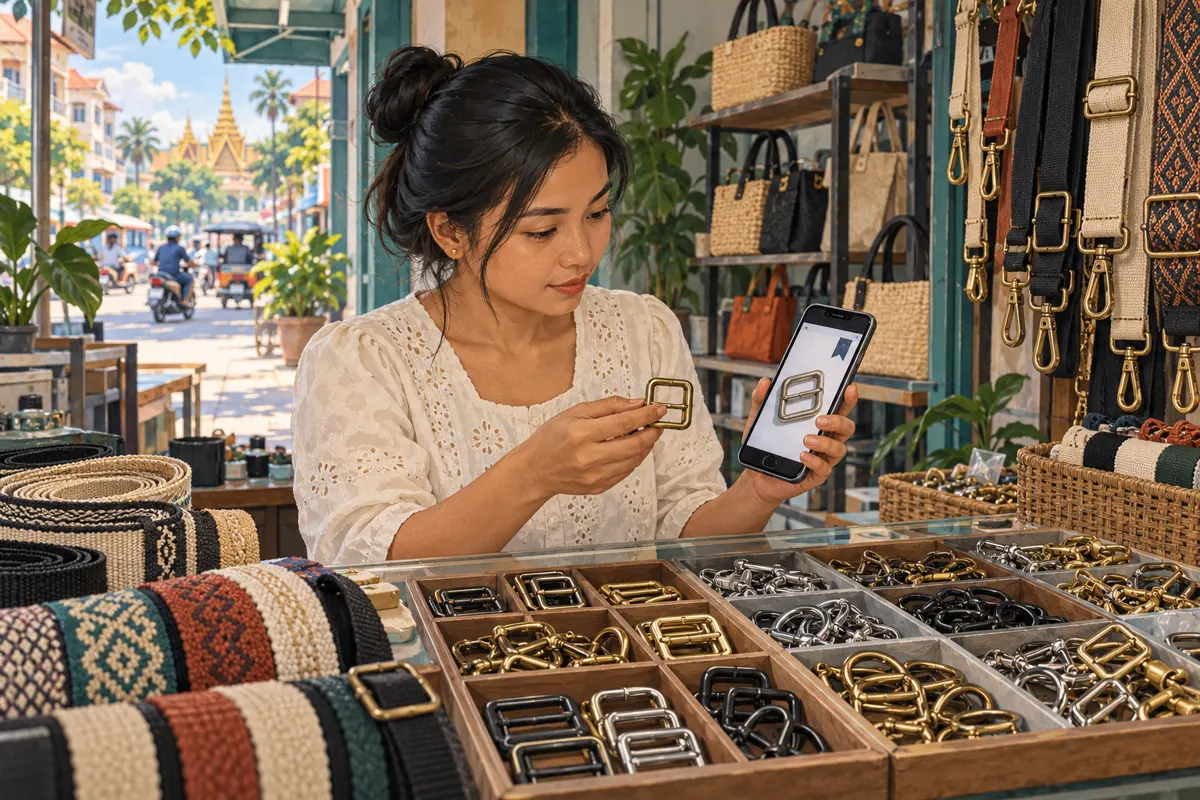
A saved supplier photograph can look ready for a shop’s next promotion. It shows a neat buckle, an attractive finish and a strap that seems familiar. Yet the shop may have a different size in its drawer, no permission to reuse the photograph, or no confirmation that the pictured version is available. For Cambodian bag-hardware sellers preparing Telegram promotions, Saved Messages can help collect these references without treating them as finished offers. The useful workflow is to capture the source, record what remains uncertain, inspect the actual product and create a separate public post. Any SMM panel decision should come after those checks.
1. Start with the question the saved item must answer
Consider a hypothetical Phnom Penh shop selling buckles, strap adjusters and swivel hooks to bag makers. Its owner saves photographs from several suppliers while answering customers at the counter. Later, a colleague needs an image for a promotion about replacement strap hardware. The most attractive saved picture is easy to choose, but it may show a component the shop has never stocked.
Give every useful reference a purpose before saving more material. Is it an example of a finish, a possible restock item, a confirmed product specification or an idea for your own photograph? These purposes require different checks. A design reference can inspire a composition; a stock announcement needs a verified item. Write the intended question beside the reference so that a convenient image does not quietly become evidence for an unsupported sales claim.
2. Set up Saved Messages as a reference tray
Telegram describes Saved Messages as a place for notes and forwarded messages. Its official guide explains that you can switch between a message list and a view grouped by source chat. It also documents named, emoji-based tags for Premium users. These features can make supplier references easier to retrieve. The source is Telegram’s Saved Messages 2.0 guide: https://telegram.org/blog/new-saved-messages-and-9-more.
Open Saved Messages and choose the view that helps you recognize your suppliers. Where the documented controls appear, tap the title or use the menu to select View as Chats or View as Messages. Start with a small collection for one product family rather than importing everything. Add a written note containing the shop’s product code, the purpose of the reference and the unresolved question. If tags are unavailable, consistent words in your notes still give the collection a usable structure.
3. Save enough context to identify the exact component
A photograph alone rarely distinguishes similar hardware reliably. Record the supplier’s item code when supplied, the date you received the information, the stated finish and the measurement being described. Specify whether a dimension refers to the inner strap opening or the outside of the frame. Do not fill gaps by judging scale from a hand, table or neighboring object in the picture.
A hypothetical note might read: “Reference only. Supplier item B17. Brass-coloured rectangular adjuster. Confirm inner opening, material and current stock before promotion. Photo reuse permission pending.” This wording preserves uncertainty rather than hiding it. Keep your own interpretation separate from the supplier’s statement. If the supplier says only “gold colour,” do not rewrite that as “solid brass.” Similarly, a photograph showing hardware attached to a strap does not establish that the strap is included in the sale.
4. Use statuses that describe work still needed
Choose a few plain labels: reference, checking, approved for this offer and retired. These are your editorial statuses, not Telegram certification. Put the status in the written note so anyone receiving a prepared handoff can understand it without knowing an emoji system. If you use Premium tags, treat them as an additional retrieval aid.
Make approval specific. “Approved for this offer” should identify the intended product, photograph and stock check date. It should not mean that every future caption using that image is acceptable. A supplier picture may be approved as a clearly identified illustration while remaining unsuitable for a claim about items ready for collection. When information changes, update the note and mark the earlier decision as superseded. Otherwise, several attractive references can accumulate while the reason for trusting any one of them disappears.
5. Compare the reference with the physical stock
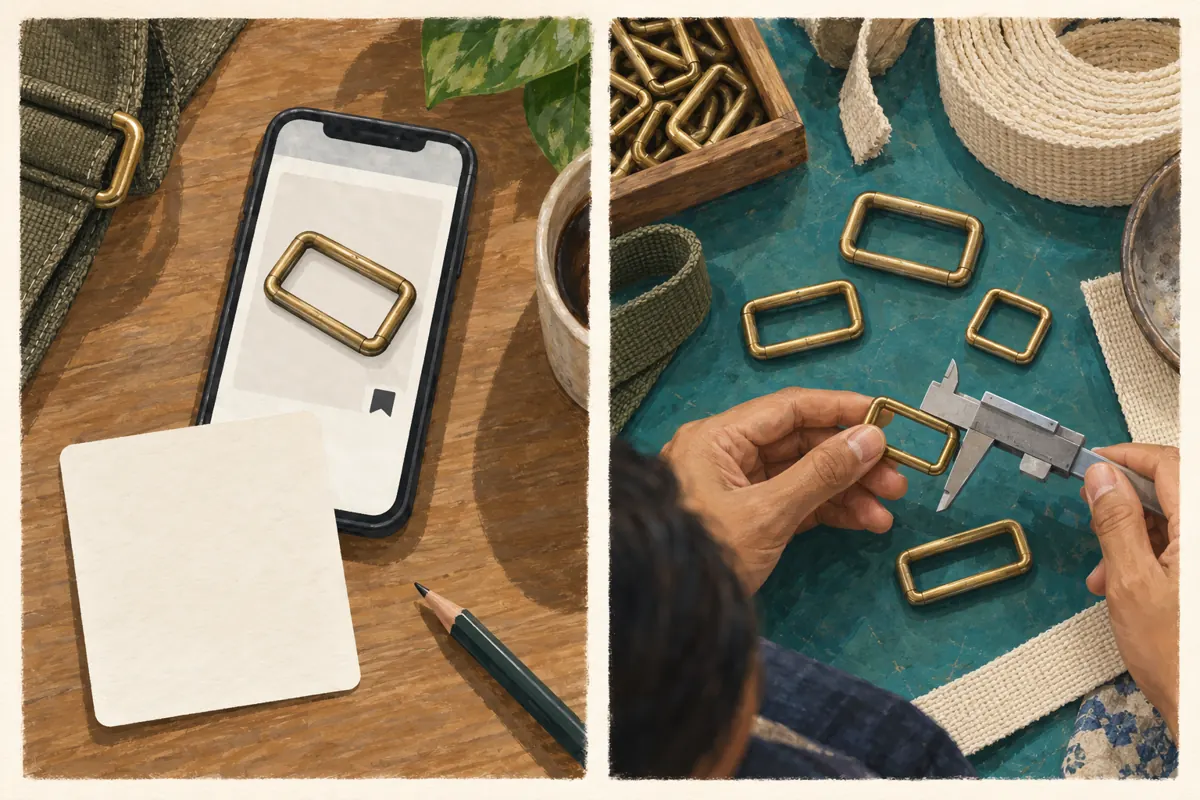
Before writing the offer, place the actual component beside the reference and check the features that affect the buyer’s choice. For a strap adjuster, these may include the inner opening, centre bar, thickness, finish and intended strap arrangement. Measure the relevant dimension directly and record the unit. A colour resemblance is insufficient to establish either material or compatibility.
For the hypothetical shop, the supplier’s picture might show a wider opening than the available adjuster. The sensible response is to photograph the stocked version and write its verified details. Do not promote the supplier image and expect staff to explain the difference after enquiries arrive. A simple demonstration with the shop’s sample strap can clarify the offer, but describe only what was actually checked. Fitting one sample does not establish suitability for every bag, strap thickness or load.
6. Turn the reference into a separate public offer
Write a fresh caption from confirmed facts instead of forwarding a supplier conversation as the advertisement. Identify the component, explain what is included and state what information a buyer should send for a compatibility enquiry. For Cambodian readers, use the language your customers understand, keep product codes consistent and make units explicit. If you state a price, identify its currency and whether it applies per piece, pair or pack.
Use your own clear product photograph where possible. If you want to reuse a supplier image, establish permission and check that its contents accurately represent the offer. Keep private contact details, wholesale discussions and unrelated customer information out of the public material. Before release, compare the final picture and caption together: a correct caption cannot fully repair a photograph that prominently shows the wrong component or accessories that buyers will not receive.
7. Apply a decision gate before considering panel services
Ask what remains unsolved. If the problem is uncertain stock, an unclear size or an unsuitable photograph, resolve that directly. If the offer is ready, decide how you intend to share it and what observable customer action would matter. A relevant enquiry might include a strap measurement and a request for availability. A saved reference or a larger visible counter does not establish that buying intention.
One exact catalogue example supplied for boost-live.com is “Telegram - Channel Boost - For 1 days”. Its title identifies it as a channel-boost offering, but the supplied description is empty. There is no supporting detail here about eligibility, delivery mechanism or results. Do not treat the listing as a product-verification service, an advertising campaign or proof of Cambodian reach. Purchased engagement is not evidence of genuine interest, sales, ad delivery or Cambodian users. If the documented service cannot address your actual objective, leave it out of the plan.
8. Prepare a handoff another person can understand
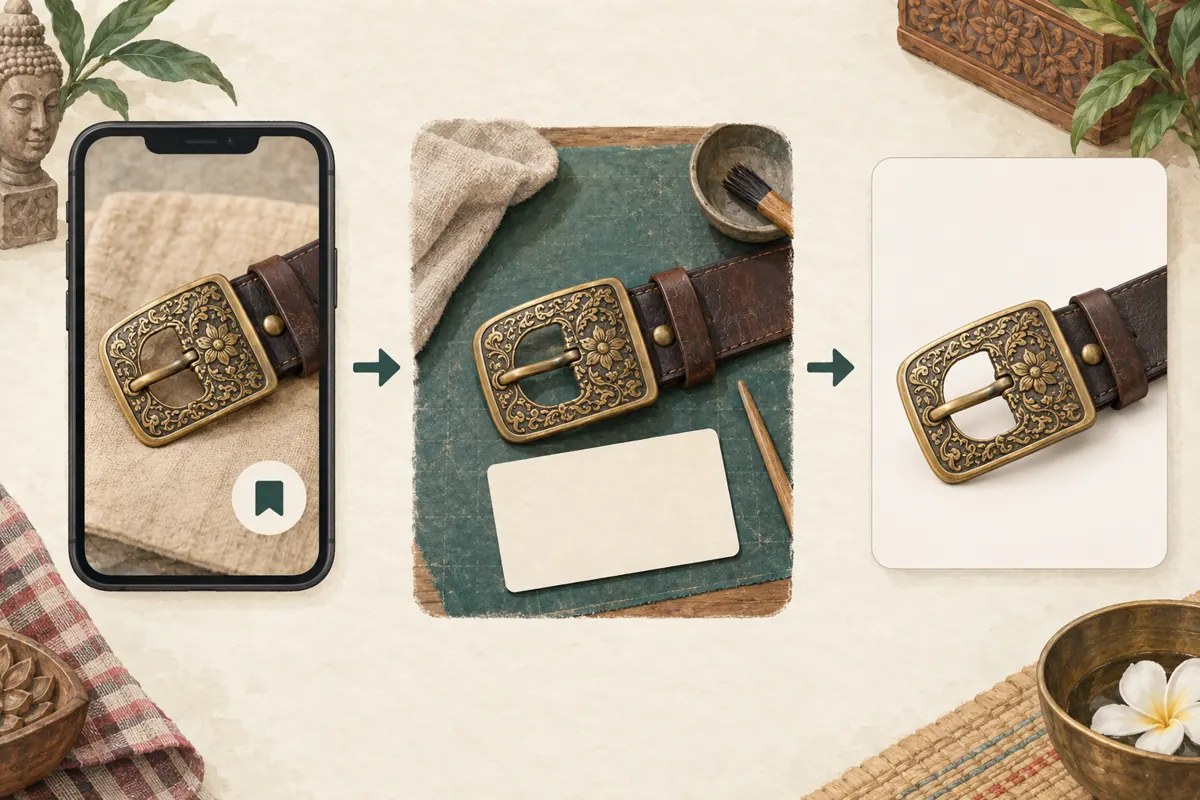
Treat your Saved Messages collection as your working reference area. Prepare a deliberate handoff for the colleague writing or reviewing the promotion: the chosen asset, the verified product details, the remaining restrictions and the person responsible for stock confirmation. Do not assume that telling someone “use my saved buckle photo” identifies a unique or approved item.
For example, the hypothetical owner could send a clean internal note stating that the photograph shows the stocked adjuster, the strap is for demonstration only and availability must be checked before promising collection. Ask the colleague to identify the component and explain what the customer receives. This short readback often exposes ambiguity more effectively than asking whether the post looks good. Share only the relevant material; the colleague does not need the surrounding supplier negotiations to prepare an accurate caption.
9. Avoid the mistakes that make saved references misleading
The first mistake is treating recency in the saved list as freshness of the information. A newly saved message can contain an old photograph or an expired offer. Record both the information’s date, when known, and your latest verification date. The second mistake is collecting many copies without naming their differences. Distinguish variants by product code and verified characteristics rather than vague labels such as “nice buckle.”
The third mistake is treating a tidy reference collection as an inventory record. Keep actual stock quantities in the shop’s designated stock process, then consult it before promotion. The fourth is assuming a supplier’s enthusiastic wording belongs in your caption. Terms such as “strongest” or “fits all bags” require evidence that a saved picture cannot provide. Replace them with useful observations, such as the measured opening and the sample arrangement shown, while stating any remaining compatibility questions.
10. Close the loop after the offer is shared
Return to the reference note when the offer changes or the product becomes unavailable. Record which public post used the material and whether that post needs a correction. Mark the reference as requiring revalidation before another campaign. This prevents an old approved image from being reused automatically when a similar shipment arrives with different hardware.
Review the questions people actually asked. If buyers repeatedly ask whether the strap is included, improve the photograph or caption. If they cannot identify the opening to measure, prepare a simple demonstration. Record these as communication problems to solve, not as evidence that more purchased engagement is needed. Keep any panel delivery record separate from enquiries and confirmed orders. The useful result of this workflow is an offer that staff can explain consistently and customers can assess against their own requirements.

Frequently asked questions
Do I need Telegram Premium to use this workflow?
No. The workflow depends on clear notes, source context and product checks. Telegram’s documented Premium tags can help organize references, but you can write consistent status words and product codes in ordinary notes. Begin with a small collection that you can maintain reliably before adding more elaborate organization.
Can a saved supplier photograph prove that the item is available?
No. It establishes only that you retained an image or message. Confirm the exact variant through your stock process or a fresh supplier check, depending on what you intend to promise. If availability is still uncertain, keep the reference in checking status and avoid announcing immediate collection.
What should I do when two suppliers use the same photograph?
Keep their references separate and request the specifications relevant to your offer. An identical image does not establish identical materials, dimensions or supplied contents. Compare the actual sample where possible. If you cannot distinguish the products confidently, avoid presenting either photograph as a verified image of your stock.
Should I send my Saved Messages notes to SMM panel support?
Usually the supplier research is irrelevant to a service question. Prepare only the specific public target and order information needed for that issue. Remove private supplier discussions and customer details. A product reference should not be substituted for the public destination required by a service’s documented input instructions.
How can I tell whether the improved promotion helped?
Review whether enquiries contain the information needed to answer them and whether staff spend less time correcting misunderstandings. Keep actual enquiries and confirmed orders as separate records. These observations can guide your next caption or demonstration, but they do not by themselves establish that a panel service caused a sale.
Explore the current service catalogue, create an account, or ask a specific question through support tickets.
Prepared with AI assistance. Illustrations explain the workflow and do not represent customer results.