19/10/2026 21:10
Who Should See the Rough Cut? YouTube Visibility for Cambodian Cabinet Workshops

A cabinet demonstration can look ready while still leaving an important question unanswered: does the viewer understand which fittings are included? For a Cambodian workshop, discovering that confusion before promotion can prevent avoidable conversations about the wrong product. A short review stage gives the maker, salesperson and a fresh viewer time to check the explanation. YouTube visibility settings help organise that stage, provided everyone understands who can access the footage. This workflow takes a cabinet video from rough cut to public release, with a clear decision about when social promotion makes sense and why purchased engagement cannot replace useful feedback.
1. Give the rough cut one job
Start by writing the question the demonstration must answer. For a cabinet workshop, that might be whether a removable shelf can be repositioned without tools, or how a particular door closes. Avoid asking one short video to explain materials, delivery, installation, every finish and the entire quotation process. Choose the main question, then identify the minimum information needed to answer it accurately.
In a hypothetical Phnom Penh workshop, the owner films a sample cabinet with an optional soft-close hinge. The purpose of review is to discover whether viewers mistake that fitting for standard equipment. The team writes a simple acceptance condition: a viewer should understand what the sample demonstrates and know to confirm the fitting in their quotation. This gives reviewers something concrete to assess beyond whether the video looks attractive.
2. Match visibility to the sharing situation
YouTube offers three relevant settings. Private videos are limited to the owner and selected people, and comments are unavailable. Unlisted videos are accessible and shareable by anyone with the link; viewers do not need a Google Account. They normally stay out of search, but can appear there if added to a public playlist. Public videos can appear on the channel and in search or related videos. These distinctions come from YouTube Help’s video privacy guidance.
Use a practical decision rule: if forwarding the footage would create a problem, avoid an unlisted review link. For an ordinary sample demonstration without sensitive details, unlisted review may be convenient. For restricted review, consider private access and collect feedback separately. Choose public release when the footage and accompanying offer are ready for unfamiliar viewers. Review convenience should follow the sensitivity of the material.
3. Remove customer context before uploading
Prepare the review copy as carefully as the final video. Look for customer names on job sheets, addresses on packaging, household photographs, reflected faces and spoken references to a customer's budget. A cabinet filmed inside a customer's home may reveal much more than the product. When possible, demonstrate the same feature on a workshop sample against a simple background.
In the hypothetical workshop, a quotation sheet sits beside the hinge sample. The team removes it before filming again. They also replace a spoken reference to a named customer's kitchen with a neutral description of the sample cabinet. This makes the explanation easier to reuse and reduces unnecessary disclosure. Changing visibility later cannot undo what someone has already seen or recorded, so removing irrelevant material at the preparation stage is the stronger habit.
4. Set visibility deliberately and test access
On a computer, YouTube’s documented route is YouTube Studio, Content, the video’s Visibility control, the chosen setting, then Save. To invite private viewers, open the video’s Visibility box, choose Share privately, enter their email addresses and save. Check the saved setting rather than relying on an upload assumption. The exact supporting instructions are linked in the sources.
Ask an intended reviewer to open the actual link before starting the review session. Confirm that the expected cabinet and version appear, the audio plays, and the reviewer can identify the fitting under discussion. Record the link beside a short internal version name, such as cabinet-hinge-review-B. Keep that note outside the customer-facing description. If access fails, resolve the setting or invitation first; uploading extra copies immediately can leave the team discussing different edits.
5. Recruit reviewers for different questions
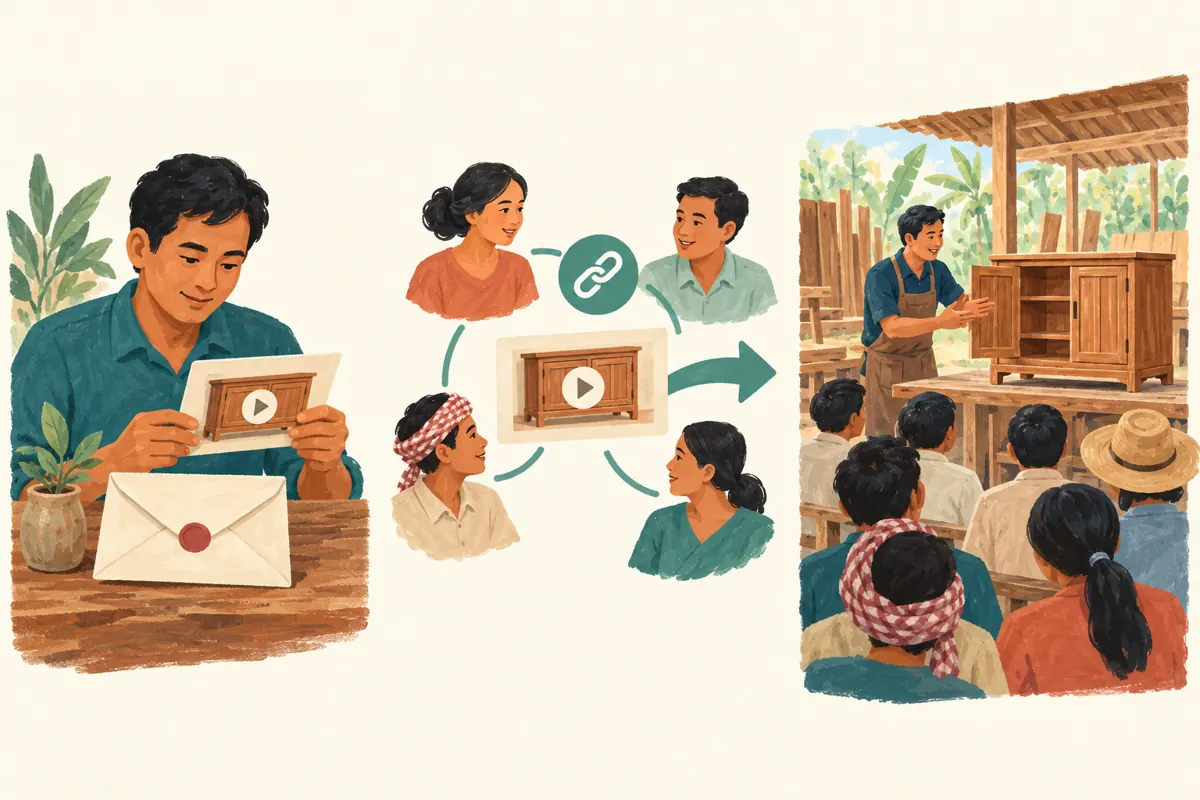
A useful review group has different responsibilities. Ask the cabinet maker to check technical accuracy, the salesperson to check what a customer might assume, and someone unfamiliar with the product to explain what they learned. These can be existing colleagues or willing contacts. Make clear that this is an editorial review, and request candid observations without asking for likes, repeated viewing or flattering public comments.
For Cambodian customers, test the language actually used in the video. If the demonstration is in Khmer, choose a reviewer comfortable following that explanation. Where an imported fitting has an English product name, check whether the video connects that name to the visible part. Ask reviewers to watch on a phone as well as any larger screen available. The question is whether the necessary detail survives ordinary viewing, not whether the workshop monitor makes it look impressive.
6. Request observations that lead to edits
Give reviewers three prompts: what did you think was included, where did you become uncertain, and what would you ask before requesting a quotation? Ask them to identify the moment that caused confusion. A response such as “the fitting disappears behind the hand during closing” suggests a camera adjustment. “I assumed every cabinet had this hinge” suggests a clearer explanation of the option.
In the hypothetical example, the maker confirms the demonstration is accurate, but the fresh viewer interprets the sample as a complete package offer. The editor adds a spoken clarification and shows the fitting separately before operating the door. The salesperson then checks whether the enquiry instruction asks customers to specify the required fitting. Keep each observation beside the edit it produced, so the second review can verify the correction instead of reopening every creative preference.
7. Use a release gate that someone owns
Assign one person to decide when the video is ready. Give that person a short release record covering the approved version, unresolved questions, product availability and the intended customer action. A technical error, exposed customer detail or misleading inclusion claim should hold the release. A preference about background colour can usually wait unless it prevents viewers from judging the product.
Before public release, check the surrounding message as well as the footage. Describe the cabinet as a sample if that is what it is. Explain which details need a quotation, and provide a contact route the shop can actually monitor. For a workshop serving selected Cambodian locations, state the service area accurately rather than implying nationwide installation. The release owner should approve the whole customer experience: what viewers see, what they understand and what happens when they enquire.
8. Decide whether a panel service belongs in the plan
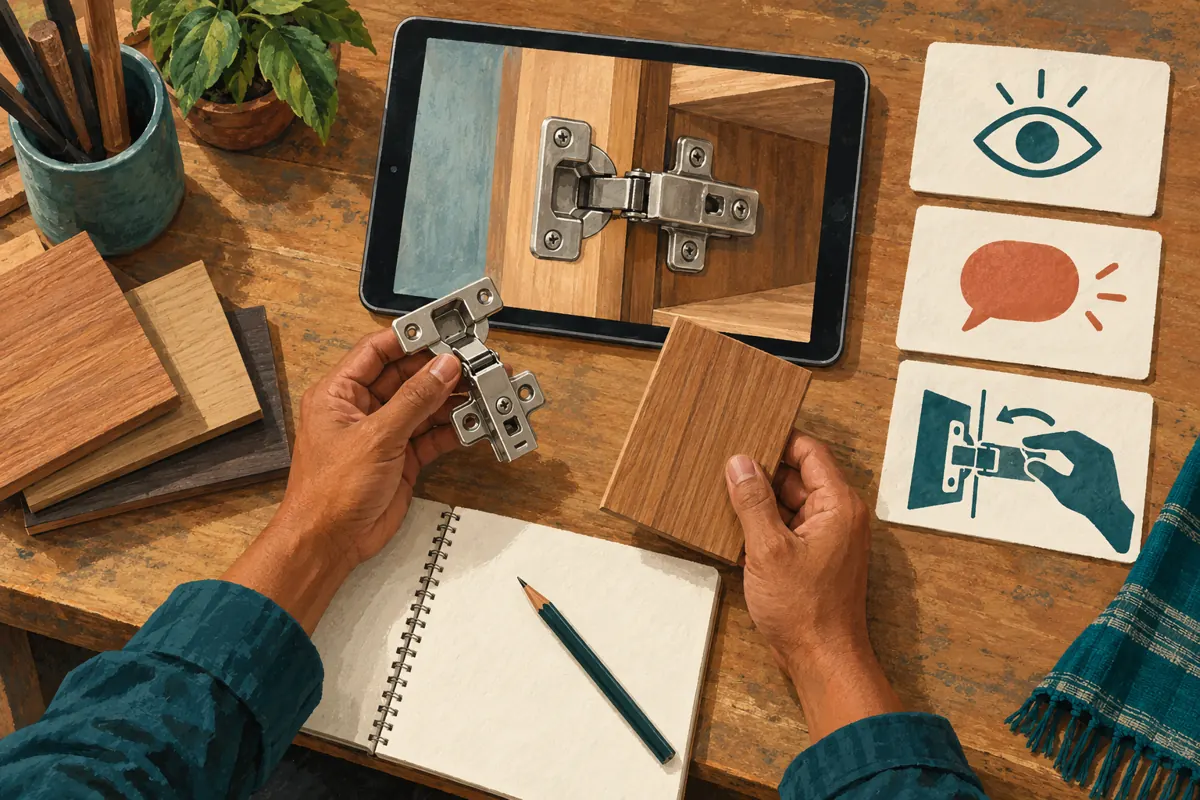
The supplied boost-live.com catalogue includes the exact public service name “YouTube Social Shares from Twitter”. Its title labels it as a sharing service, but its description is empty. That leaves the delivery method, audience relevance and other practical conditions unverified. The name alone does not establish Cambodian distribution, genuine interest, official platform affiliation or a suitable method for reviewing a rough cut.
YouTube prohibits artificial increases in engagement metrics and says that a hired promoter’s actions can affect the channel. Review the method against that policy before considering any service; decline methods that artificially inflate engagement. Purchased engagement is not evidence of sales, ad delivery, Cambodian viewers or customer approval. For this review workflow, direct invitations to willing reviewers are sufficient. Keep review links out of promotional submissions, and assess any later distribution proposal separately after the public video is approved.
9. Promote the approved explanation and read enquiries carefully
After release, share the approved public video where the demonstration answers a real question. A salesperson might send it to someone already asking about cabinet fittings, with a sentence explaining which feature to watch. A social post can introduce the same question and invite viewers to ask about their own requirements. Avoid distributing the link indiscriminately into unrelated conversations or presenting the sample as suitable for every installation.
Keep a simple enquiry record: the question asked, the cabinet feature involved, the next information needed and whether the customer mentioned the video. Ask how they found the workshop when appropriate, but allow an unknown answer. A quotation request mentioning the hinge is useful evidence that someone understood or wanted that feature. It still does not prove that every view was relevant or that a particular promotion caused the enquiry. Use repeated misunderstandings to improve the next explanation.
10. Close the review without leaving confusing drafts
Once the approved version is released, tell reviewers that the review is complete and identify the current customer-facing link. Keep an internal note of any draft that should no longer circulate. If a separate rough cut remains accessible, decide whether there is a continuing reason to retain that access. Do not assume the team will remember which similar-looking upload is current several weeks later.
Common mistakes include treating silence as approval, changing several elements before checking the original problem, and sending a draft link to a prospective customer because it is already in a chat. Another is using rising counts as a reason to release a confusing explanation. Finish with a concrete decision: approved, revise a named issue, or hold for missing information. This gives a small workshop a manageable routine that can be repeated for shelves, drawer runners, finishes and other demonstrations.

Frequently asked questions
Is an unlisted review link suitable for a confidential custom cabinet design?
Avoid using it for confidential material because recipients can pass the link onward. Consider whether the footage needs to be uploaded at all, and remove details that are unnecessary for review. If restricted online review is appropriate, use selected access and agree how feedback will be returned. A request not to forward a link is a courtesy, not an access control.
What if a reviewer says only that the video looks good?
Ask them to describe what they believe the customer receives and what remains to be confirmed. Their explanation is more useful than a general compliment. If they cannot distinguish the sample fitting from the quoted package, revisit that moment. Do not coach them toward the intended answer before hearing their interpretation.
Should reviewers leave positive comments to help the public launch?
Keep the review task focused on accuracy and comprehension. Reviewers do not owe the workshop public praise. If someone later comments voluntarily, the comment should reflect their actual experience without implying they purchased or installed a cabinet when they did not. Internal approval notes should remain clearly separate from customer testimonials.
Can a panel sharing service tell us whether Cambodian customers understand the demo?
A delivery record cannot answer that question. You need relevant, voluntary feedback about the explanation and genuine enquiries about the product. The listed service title supplies no verified basis for assuming a Cambodian audience. Ask how distribution works, assess platform compliance, and reject claims that turn delivered activity into proof of comprehension.
What if the demonstration is clear but nobody requests a quotation?
Check whether the product, service area and contact route match the people receiving the video. Then examine the offer and the questions customers ask elsewhere. A clear demonstration can support a buying conversation without creating immediate demand. Avoid repeatedly changing visibility or purchasing engagement simply to make the video appear successful.
Explore the current service catalogue, create an account, or ask a specific question through support tickets.
Prepared with AI assistance. Illustrations explain the workflow and do not represent customer results.