19/10/2026 07:34
Keep, Trim or Remake? A YouTube Live Replay Workflow for Cambodian Shops
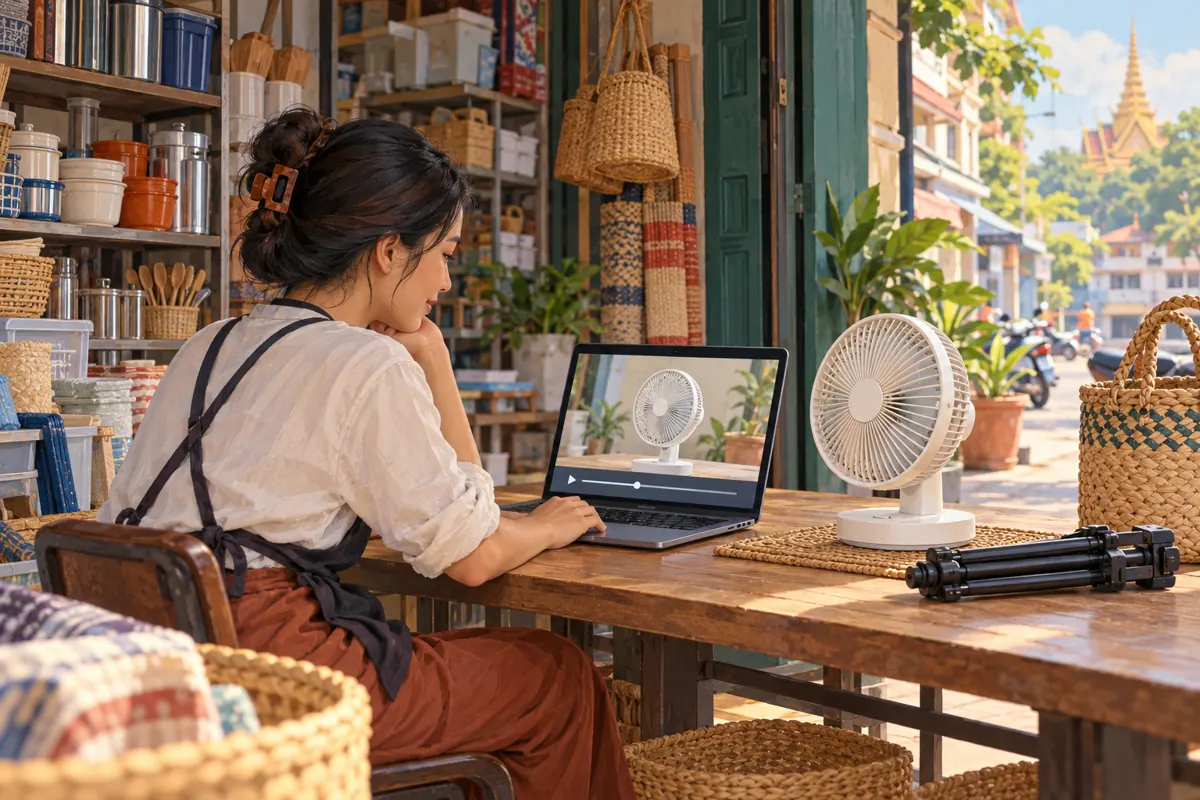
A livestream can work well for people watching together and still feel confusing the next morning. Waiting for arrivals, answering unrelated questions and repeating a temporary offer all make sense during a broadcast. A replay viewer needs a clearer route to the product information. For Cambodian shops considering further promotion or an SMM panel service, the first decision should be editorial: keep the recording, trim it or make a separate demonstration. This workflow uses a hypothetical Phnom Penh household-goods shop’s tabletop fan broadcast to show how to make that decision without turning engagement counts into claims about customer demand.
1. Give the replay one useful job
Start with the question someone should be able to answer after watching. For the hypothetical fan shop, that might be: “Where are the controls, and how does the oscillation function work?” This is more useful than asking whether the recording looks popular. Write the question above your editing notes, then judge each segment by whether it helps answer it.
Choose a viewer who missed the broadcast entirely. They do not know what the presenter showed earlier, which model a commenter mentioned or whether a spoken price remains available. A useful replay supplies that missing context. Keep enough of the introduction to identify the product, but do not preserve every greeting simply because it happened live.
Set one realistic next step, such as asking the shop to confirm current availability for that exact model. Avoid combining several unrelated requests that compete with the demonstration.
2. Locate the archive and protect the original
YouTube’s archive guidance says streams shorter than 12 hours can be archived automatically; streams exceeding 12 hours may not be captured at all. It recommends a local backup. In Studio, the Content area’s Live tab is the starting point for finding an archived broadcast and reviewing its visibility. Treat these as platform capabilities, not a promise that every recording will be ready or complete.
Before editing, play the actual archive. Check the beginning, the product demonstration and the ending, then listen to any portion where the connection or microphone failed. A thumbnail alone cannot show whether the important explanation survived.
Keep an untouched source recording when available, with a descriptive name and broadcast date. Record which file matches the public video. If the archive is incomplete and no backup exists, plan around the material you actually have rather than promising a complete demonstration.
3. Make a cut list before touching the editor
Watch once to understand the whole broadcast, then watch again to mark candidate cuts. Use four simple fields: start time, end time, what happens and proposed action. Describe the content rather than writing only “bad section.” A note such as “waiting while the presenter fetches the second fan” gives another reviewer enough information to assess the decision.
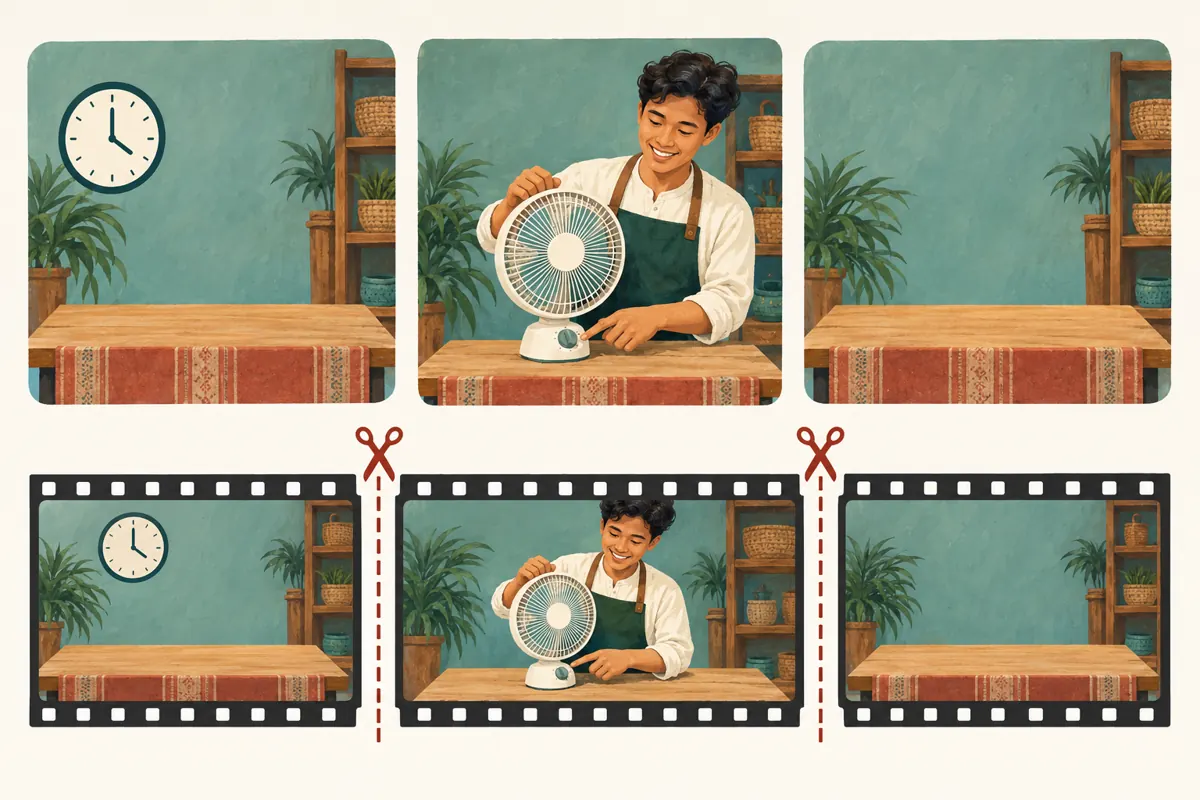
In a hypothetical recording, the opening contains an empty table, the middle contains a clear control demonstration and the ending contains repeated farewells. The opening and ending are potential trims. A pause within the demonstration needs closer inspection: it may show how long the presenter holds a control or waits for a visible response.
Mark uncertain sections for review instead of immediately removing them. Include explanations, limitations and comparisons that affect meaning. The aim is to remove avoidable friction while preserving a fair account of what the product does.
4. Decide whether to retain, trim or remake
Retain the archive when the conversation itself is useful and the product explanation is easy to follow. A detailed question-and-answer session may deserve its full length. A recording does not need cuts merely because it is longer than a polished advertisement.
Trim when the useful material already forms a complete explanation and the unwanted portions are clearly separable. Waiting at the start or an empty scene after the presenter leaves are straightforward candidates. Repeated sales interruptions may also be removable if the remaining speech still makes sense.
Make a separate video when the explanation requires a new introduction, missing close-ups or substantial rearrangement. For example, if the fan’s controls remain hidden behind the presenter’s hand throughout, removing footage cannot solve the problem. Refilm the missing demonstration. Choose the route by the amount of explanation the viewer needs, not by an arbitrary target duration.
5. Use Studio trimming only after checking its limits
YouTube’s trimming guidance covers videos shorter than six hours and says trimming preserves the URL, views and comments. Some unedited videos above 100,000 views may have saving restrictions, except on YouTube Partner Program channels. Since June 2025, saved Studio Editor changes cannot be undone using Revert to original.
On a computer, open Studio, choose Content, select the video and open Editor. Under Trim & cut, the blue boundaries define the portion to retain. For an internal removal, choose New Cut and use the red selection to mark what should go. Preview the proposed result before saving; discard pending changes if the selection is wrong.
Use your written cut list as the review reference. Have one person make the changes and another check the proposed result when staffing permits. If working alone, take a short break before the final review so you can listen with fresh attention.
6. Listen across every join
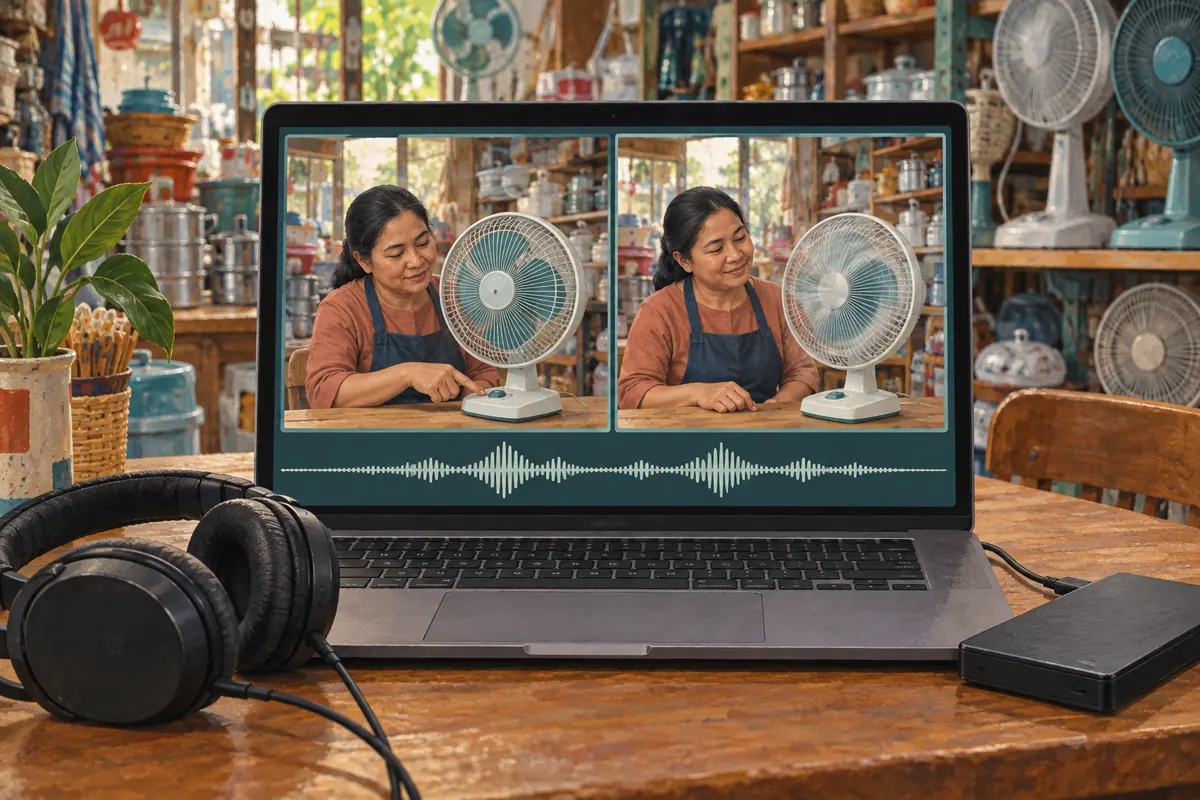
Play several sentences before and after each proposed cut. A clean visual transition can still produce a misleading explanation. Removing the phrase “on this model only” could make a limited feature sound universal. Removing a question could leave an answer such as “yes, that one” without an identifiable subject.
For the hypothetical fan demonstration, check that the viewer sees the relevant control before hearing what it does. Preserve any condition that explains the demonstration. If the presenter switches models between segments, keep the identifying sentence or reconsider the cut. Similar-looking products can make an apparently smooth edit confusing.
Ask a colleague who missed the live session to explain what they understood. Do not coach them first. If they identify the wrong model or infer a feature the shop never intended to claim, revise the edit. This checks comprehension directly without relying on reactions or view totals.
7. Remove live-only ambiguity from the presentation
Review the recording and its surrounding copy together. Phrases such as “today only,” “the last one” and “message us before closing” become ambiguous when watched later. Identify the broadcast date and distinguish the recorded demonstration from current stock or offers. If an expired offer dominates the footage, a separate demonstration may be clearer than several qualifications.
For a Cambodian shop serving Khmer-speaking customers, have a fluent reviewer check that essential explanations remain understandable after cutting. Keep product model names consistent across speech and accompanying information. Where a price is included, identify the currency and the conditions rather than assuming viewers will infer them.
Use a title that describes the replay’s actual contents. A hypothetical title such as “Tabletop Fan Controls Demonstration: Recorded Shop Session” sets a clearer expectation than continuing to present the recording as an upcoming live event. The cover image should feature the demonstrated model.
8. Keep the SMM service decision separate
The supplied catalogue includes “YouTube Live Stream Views + Likes [ Max 5M ] | 100% Concurrent | 15 Minutes”. Its title identifies it as a live-stream views-and-likes listing. The supplied description is empty, so there is no documented basis here to claim replay compatibility, Cambodian audience delivery, genuine customer interest or any editing function. The figures and wording in the name are catalogue labels, not independently verified performance evidence.
YouTube’s fake engagement policy prohibits artificially increasing views, likes and other metrics. It also makes clear that hiring a promoter does not remove the channel’s responsibility for prohibited methods. Do not proceed with a service that artificially inflates engagement, and do not assume a listing’s availability establishes platform compliance.
Purchased engagement is not evidence of genuine interest, sales, advertising delivery or Cambodian users. For this workflow, devote resources first to a complete explanation and relevant distribution. An SMM order cannot repair missing footage, expired offers or a confusing edit.
9. Share the replay where it answers an actual question
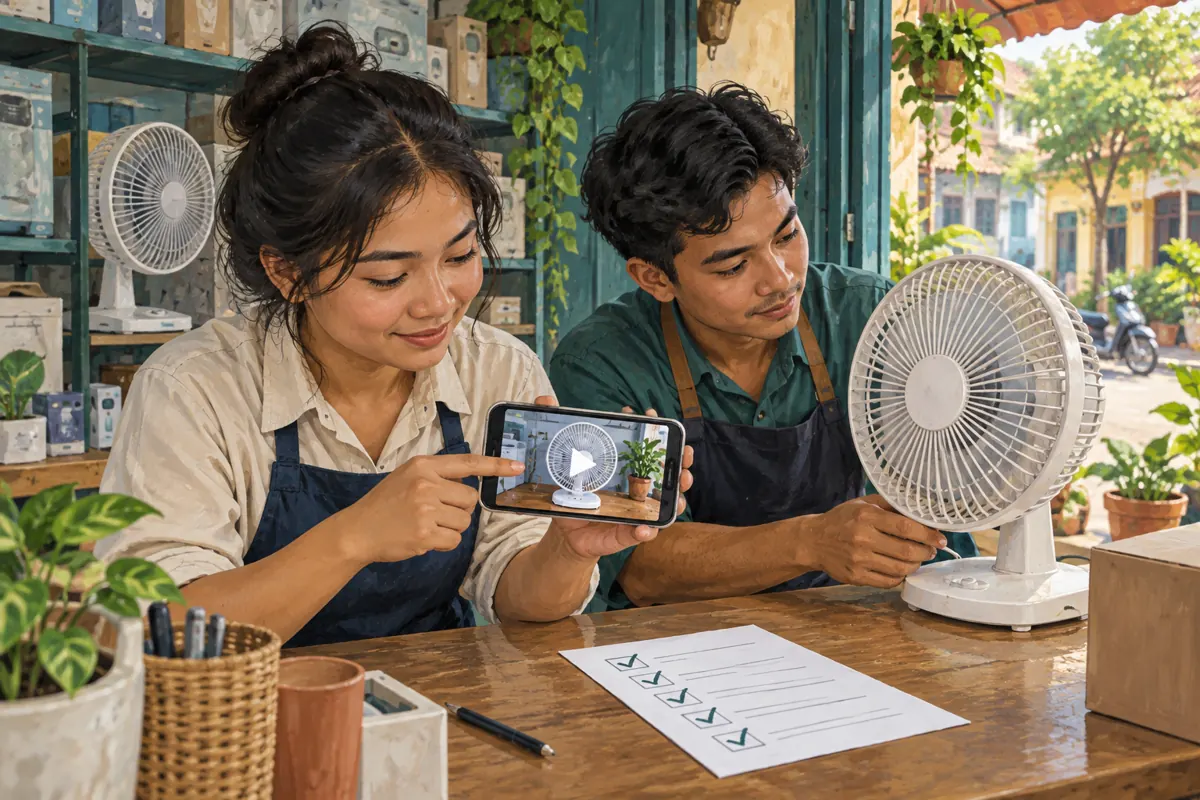
Prepare a short sharing message that names the problem the replay resolves. For the hypothetical fan shop: “This recorded demonstration shows the controls and oscillation function. Contact the shop to check current availability for the model shown.” Adapt the wording to the language used in the conversation.
Share it through the shop’s established channels when relevant, and in customer conversations where someone has asked for that explanation. Avoid repeatedly dropping the link into unrelated discussions. A clear reason to watch is more useful to the recipient than a claim that the video is popular.
Check the destination from a customer’s perspective before sharing broadly. Confirm that the intended replay opens and that the visible product matches the message. If you have produced a separate upload, verify that staff are using its link rather than continuing to circulate the old broadcast by habit.
10. Avoid cuts that create new problems
The most common editing mistake is removing context along with delay. A repeated answer may contain the clearest model identification in the entire recording. A quiet moment may show an important physical action. Review these portions for their informational value before treating them as dead time.
Another mistake is retaining a strong sales claim while cutting away its qualification. Judge the meaning of the finished sequence, not just the accuracy of individual sentences. A technically genuine clip can still give the wrong impression when placed next to another clip.
Finally, do not announce that the replay is ready solely because you finished editing. Open the finished video and verify the result before directing customers to it. Keep internal notes about the version reviewed so a colleague can distinguish an approved replay from a recording still awaiting checks.
11. Review whether the replay helps the shop
Choose a manageable review period and record practical observations. Are staff able to answer a recurring question by sharing the replay? Do viewers still ask which model is shown? Are enquiries arriving with enough detail for the shop to respond? These observations can guide the next demonstration without pretending to prove a sales effect.
Keep any promotion expenditure or service records separate from customer conversations and confirmed orders. If an enquiry mentions the replay, record that statement accurately; do not automatically attribute the entire purchase decision to the video.
Use repeated confusion to improve the next broadcast. If people cannot see the controls, plan a closer shot. If temporary offers make replays difficult, separate the lasting demonstration from the live sales announcement. The best improvement may happen before filming the next session, reducing the editing work afterward.
Frequently asked questions
Should every shop livestream become a shorter replay?
No. Keep a longer recording when its questions, comparisons and explanations remain useful. Trim when removable delays interrupt an otherwise complete demonstration. Remake when essential information is missing. Length alone does not tell you which option serves customers best.
What if the original livestream recording is missing?
Check any backup recording made during the session. If neither the archive nor a backup contains the demonstration, record it again. Do not use unrelated footage and describe it as the missing session. A fresh explanation can be more useful than an incomplete reconstruction.
Can an old offer stay in an otherwise useful replay?
Only retain it with clear context that prevents viewers from mistaking it for a current offer. Assess how prominent it is. If the sales pitch repeatedly interrupts the explanation, a separate demonstration may be easier to understand than relying on a note viewers could miss.
Will a live-view SMM listing improve the replay?
The supplied listing does not document a replay-editing or customer-support function. Its name cannot establish suitability for an archived video. Evaluate the actual promotion method against YouTube’s rules; artificial engagement is prohibited and cannot show whether shoppers understood the demonstration.
What should a small team check first when time is limited?
Prioritize product identity, complete explanations and expired claims. Then remove obvious empty footage if appropriate. A clear, accurate replay with a modest introduction is more useful than an aggressively shortened version that leaves customers guessing about the model or offer.
Explore the current service catalogue, create an account, or ask a specific question through support tickets.
- YouTube Help: Archive live streams
- YouTube Help: Trim your videos
- YouTube Help: Fake engagement policy
Prepared with AI assistance. Illustrations explain the workflow and do not represent customer results.