20/10/2026 03:17
For Children or for Parents? YouTube Audience Settings for Cambodian Toy Shops
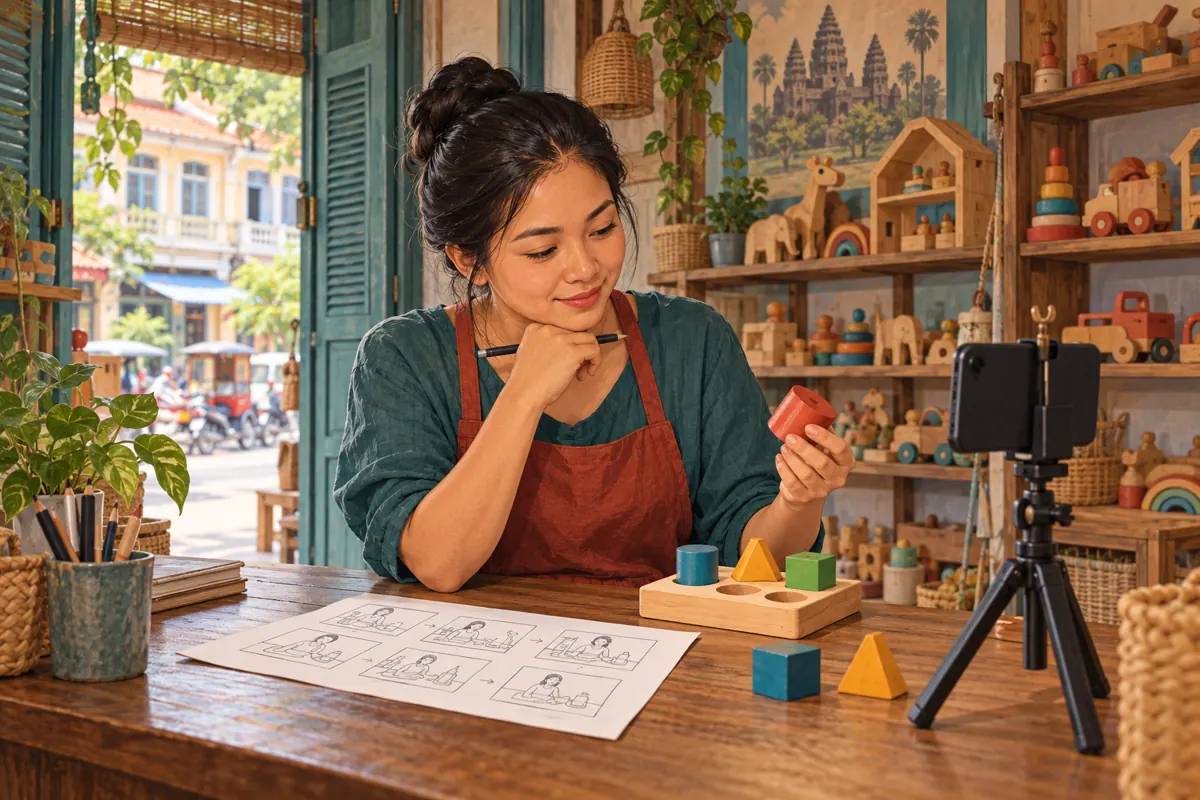
A toy shop can show the same wooden puzzle in two very different videos: a buying guide for parents or a playful story for children. Before promoting either video, the owner needs to understand whom the finished content addresses. That decision affects both the upload review and the way the shop plans customer communication. For Cambodian businesses working with a small filming team, this is best handled while preparing the demonstration, rather than rushed at upload time. This workflow connects audience review with practical merchandising, staff responsibilities and SMM-panel decisions. The shop examples below are hypothetical; they illustrate a working process, not customer results or definitive classifications of particular videos.
1. Write the viewer's task before the filming plan
Start with one sentence explaining what the viewer should understand after watching. For a hypothetical Phnom Penh toy shop, that could be: a parent should be able to identify which pieces come with this puzzle and how they fit inside its storage tray. That sentence gives the presenter a concrete job. It also helps the editor reject attractive footage that distracts from the explanation.
Prepare a small product brief containing the model reference, included items, packaging information and any claims that need checking against the supplier's documentation. Decide which language the intended customer needs. A Khmer explanation can retain a genuine printed model name while explaining the surrounding details clearly. Avoid adding developmental promises, safety assurances or age recommendations simply because they sound persuasive. Film what the shop can accurately demonstrate, and distinguish visible features from claims requiring evidence.
2. Understand what the audience setting asks
YouTube requires creators everywhere to identify whether their content is made for kids. Being suitable for family viewing does not automatically make a video child-directed. Conversely, children need not be the sole audience: mixed-audience content can qualify when children are one intended audience. YouTube's audience guidance distinguishes these cases and says Analytics is not designed to make this determination.
Treat this as an assessment of the finished communication, rather than a label chosen to support a sales plan. A hypothetical shop manager might write 'parents' on the brief while the editor creates an invitation for young viewers to play along. That disagreement needs resolving through review of the actual video. Keep the marketing objective and the audience decision beside each other in the production notes so staff can see whether they match.
3. Examine the presentation as a whole
The FTC's guidance considers factors including subject matter, visuals, music, language, performers and child-oriented activities. It also explains that bright colours or animation alone do not settle the question. A useful editorial application is to watch the complete video with sound, then review its title and thumbnail together. Identify whom the presenter addresses and what that viewer is invited to do.
Consider two hypothetical treatments of a sorting toy. One presenter speaks to an adult about packing the pieces away and checking the contents before purchase. Another uses a puppet to lead a shape-finding game. These treatments warrant different scrutiny even though the product is identical; neither short description is enough for a definitive classification. Ask a colleague who did not write the script to describe the apparent audience. Record disagreements rather than averaging them into a confident answer.
4. Build a demonstration that serves the buying question
For the hypothetical parent-facing storage guide, arrange the filming table in the order the explanation will follow. Show the complete product first, lift out the pieces, reveal the empty compartments and return the pieces to their places. Keep the model reference visible in the production notes so the editor does not accidentally combine footage from two similar sets. Use close views where a lid or compartment needs explanation.
Give each shot a purpose. A decorative opening may look appealing but leave the buyer unsure which set is being discussed. A clear product overview followed by the relevant detail is easier for staff to reuse when answering an enquiry. Review the narration against the footage: if the speaker says everything fits inside, the final shot should actually show the closed container. This is an accuracy check, not a way to engineer a preferred audience classification.

5. Record the decision and apply the setting
In desktop YouTube Studio, channel audience options are under Settings, Channel, Advanced settings, then Audience. A channel can use the option to review each video. Individual video settings override the channel setting. During upload, review the Audience field and save the appropriate selection. YouTube's official setup guide provides the detailed instructions.
For a shop producing different kinds of videos, assign one person to record the completed review. The note should identify the video, final edit, reviewer, decision and supporting observations. Keep it brief enough to use consistently. 'Owner approved' alone is weak documentation because it does not explain what was reviewed. A more useful internal note identifies the intended viewer, the question answered and any unresolved concern. If the concern remains substantial, delay promotion and obtain qualified advice rather than treating a deadline as evidence.
6. Plan communication around the available features
YouTube lists comments, cards, end screens, live chat and the notification bell among features unavailable on made-for-kids videos or streams. That matters when a filming script promises viewers they can ask questions below or follow an end-screen guide. Review these promises before recording the closing lines.
Keep product information understandable within the demonstration itself. A buyer should not need a comment thread to discover that the storage bag shown beside a toy is sold separately. For adult customers, maintain accurate product details and ordinary business contact information in the shop's established customer materials. Check those materials independently rather than assuming the video supplies every answer.
Do not redirect children into private conversations or ask them to supply personal details as a substitute for unavailable interactions. Staff can instead prepare clear answers to product questions for adults who contact the business through its normal channels.
7. Review SMM services against the actual problem
A shop browsing boost-live.com may encounter the exact public listing 'Youtube Shorts Likes | Max 50k | 5k-10k/Day | 𝐍𝐎 𝗥𝗘𝗙𝗜𝗟𝗟'. Its name identifies a Shorts-likes offering, but the supplied catalogue description is empty. The title does not independently establish delivery performance, audience location, user authenticity or suitability for a particular campaign. This reference is a catalogue example, not a recommendation to purchase it.
YouTube prohibits artificial increases in views, likes, comments and other metrics. Its fake-engagement policy also says a hired promoter's actions can affect the channel. Reject a proposed method that violates that policy; a service listing is not platform authorization.
Purchased engagement cannot establish that Cambodian parents understood the demonstration, wanted the product or placed orders. It also cannot restore features restricted by an audience setting. If the real problem is an unclear product explanation or an unsuitable closing instruction, fix that problem directly before considering promotional spending.
8. Test usefulness with concrete product questions
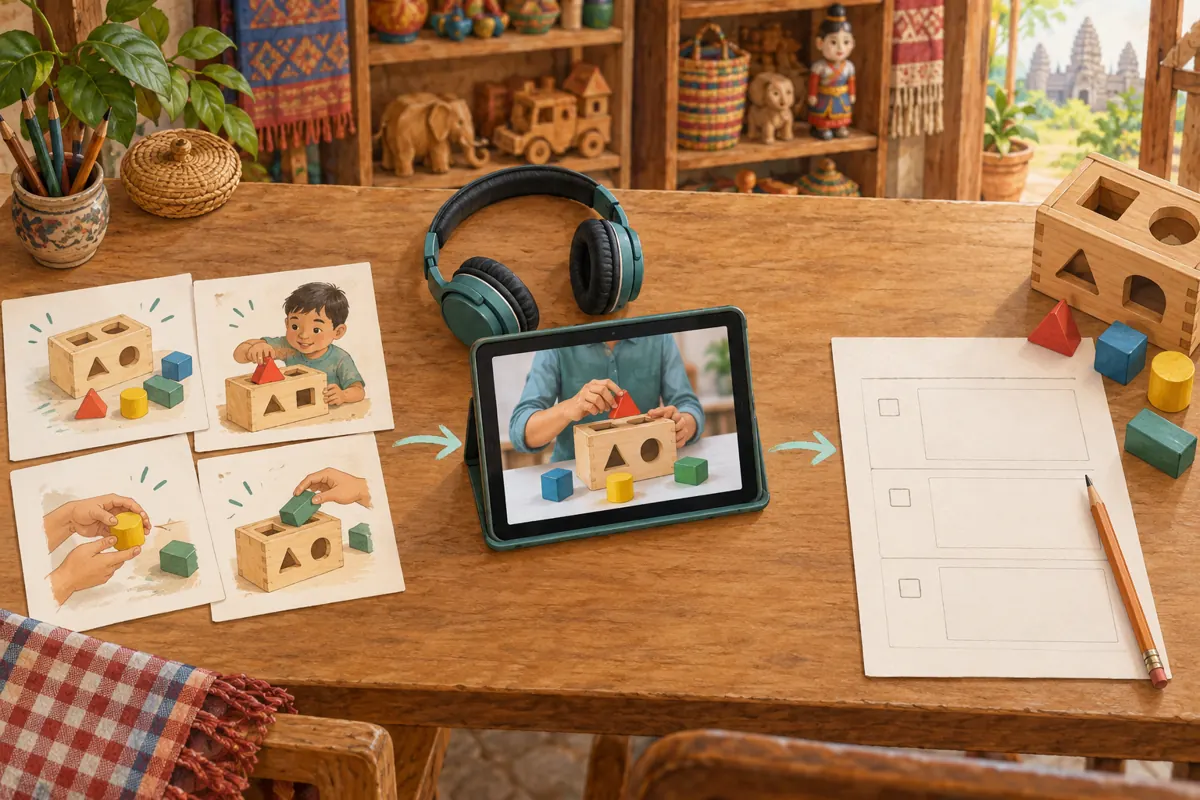
Before distribution, ask an adult colleague unfamiliar with the edit to watch it on a phone. Give them the same questions the hypothetical buyer would ask: which model is shown, what is included, and how does it pack away? Ask them to point to the moment that answers each question. This small review is an editorial exercise, not audience research or proof of market demand.
A hesitation can reveal an inexpensive correction. If the colleague mistakes a display accessory for an included item, add an accurate explanation or change the framing. If they cannot distinguish two models, reshoot the identifying detail. Do not coach the reviewer through the first viewing, because that hides missing information. Keep the observations specific: 'the tray was never shown empty' gives the editor something to fix, whereas 'make it more engaging' leaves the underlying problem unresolved.
9. Avoid shortcuts when something looks wrong
One common mistake is changing an audience selection simply because the promotional plan depends on comments. Another is adding a parent-facing title while leaving a child-directed performance untouched. A third is assuming a brief extract needs no fresh editorial review because its longer source video was already checked. Review the actual asset being distributed and resolve contradictions before sending it out.
If YouTube applies a made-for-kids setting that you believe is incorrect, its setup guide describes an appeal route. Build any explanation around the content and audience evidence, rather than the inconvenience of lost features.
Within the shop, suspend unfinished promotional drafts while the issue is reviewed. Record which version colleagues should use and tell the person preparing customer materials what remains uncertain. This prevents staff from circulating conflicting instructions while the owner is still deciding how to proceed.
10. Measure the questions the demonstration resolves
After sharing the approved video, keep a modest record of relevant adult enquiries. Note the product reference and the question, such as whether the tray is included or whether replacement pieces are stocked. Avoid collecting unnecessary personal information. Separate an enquiry from a reservation, and a reservation from a completed sale. Each describes a different business event.
At the next content review, look for explanations that still need work. If customers repeatedly ask about an item already shown, the framing or narration may be unclear; it does not automatically mean the audience ignored the video. Use staff observations to choose the next demonstration topic. Keep any panel order history separate from this customer-question record so delivery entries cannot be mistaken for evidence of demand. The practical objective is a growing set of accurate demonstrations that staff can confidently share when they answer real buying questions.

Frequently asked questions
Does showing a toy automatically make a video made for kids?
No single product appearance settles the assessment. YouTube advises considering the intended audience and the content's overall characteristics. For a shop, the practical step is to review how the toy is presented, whom the narration addresses and what activity the viewer is invited to join. A one-sentence product description cannot replace that review.
Can we call the video parent-facing because adults pay for the toys?
The identity of the purchaser does not explain whom the video actually addresses. In your production notes, separate the person making the purchase from the person invited to watch or participate. If staff disagree about those roles, revisit the finished edit and the official audience guidance before selecting a setting.
What should a small shop do if nobody can confidently assess the video?
Write down the specific uncertainty and keep the video out of the promotion queue while resolving it. For example, identify the sequence whose audience seems unclear rather than asking whether the whole channel is acceptable. Review the official guidance and seek qualified advice when needed. Another shop's settings are not a reliable answer for your own content.
Can an SMM service compensate for missing comments or weak enquiries?
A panel service cannot override YouTube's feature restrictions. Purchased engagement also cannot establish buying intent or customer understanding. Review the promotional method against platform policy, then examine the product explanation and the ordinary customer enquiry process. More visible activity would not answer a missing question about what the buyer receives.
Should we review a Short cut from the main demonstration?
Yes. As an editorial practice, watch the extract independently. It may omit the model identification, remove an important qualification or leave a closing line without context. Give the Short its own review note, confirm its audience selection and make sure a viewer can understand what is being shown without having watched the longer video.
Explore the current service catalogue, create an account, or ask a specific question through support tickets.
- YouTube Help: Determining if your content is made for kids
- YouTube Help: Set your channel or video's audience
- Federal Trade Commission: YouTube channel owners—Is your content directed to children?
- YouTube Help: Fake engagement policy
Prepared with AI assistance. Illustrations explain the workflow and do not represent customer results.